 Truescan AI
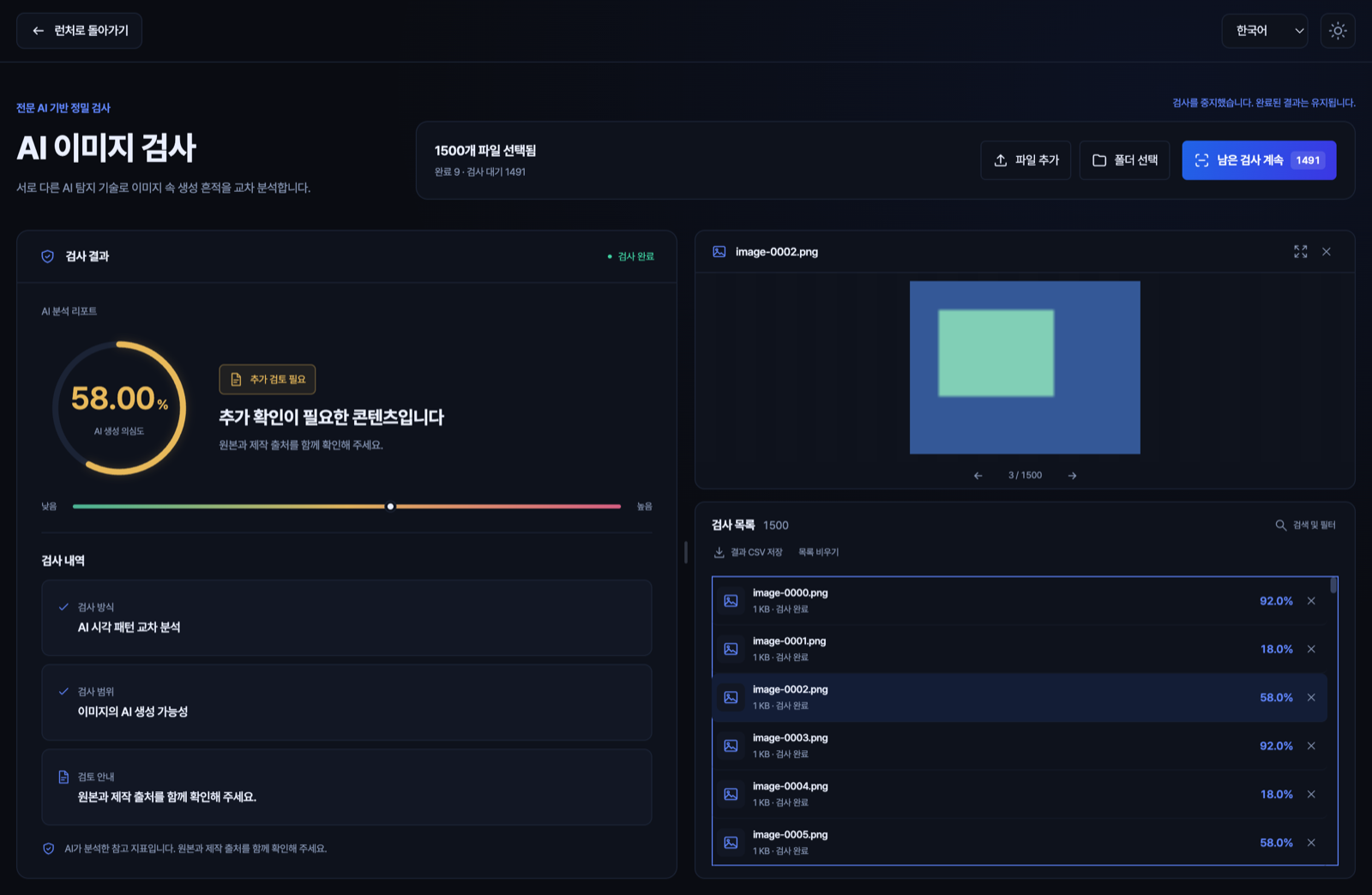
Two models read the visual patterns.
Both models look for signs of AI generation across the image. Find files with higher scores in the results list and zoom in on the original.
- Formats
- JPG · PNG · WebP
- Review tools
- Zoom · Result filters · CSV

Free desktop AI detector
Analyze images, audio, and documents with detection models built for each file type. Inspect sensitive files on your computer without uploading them.
No account required · Offline analysis after setup
How it works
For initial setup, have an internet connection and several gigabytes of free disk space. The app manages Python, Java, and its other runtime components.
Get the installer for your operating system and open the app.
Choose image, audio, or document in the launcher. Each inspector downloads its models and runtime the first time you use it.
Add files or folders and start inspecting. Read the scores and review notes, then save any results you need as CSV.
The outcome
Use detection signals to decide which files and passages need a closer look.
The score summarizes the signals the models found. Check the source and creation history to decide what the result means.
58% · More review needed
In the experimental document inspector, review the flagged passage alongside the extracted text.
Flagged passage · Check against the original
What's inside
Open an inspector from the launcher and add files or folders. Review the results alongside the original file and export them as CSV.
Both models look for signs of AI generation across the image. Find files with higher scores in the results list and zoom in on the original.
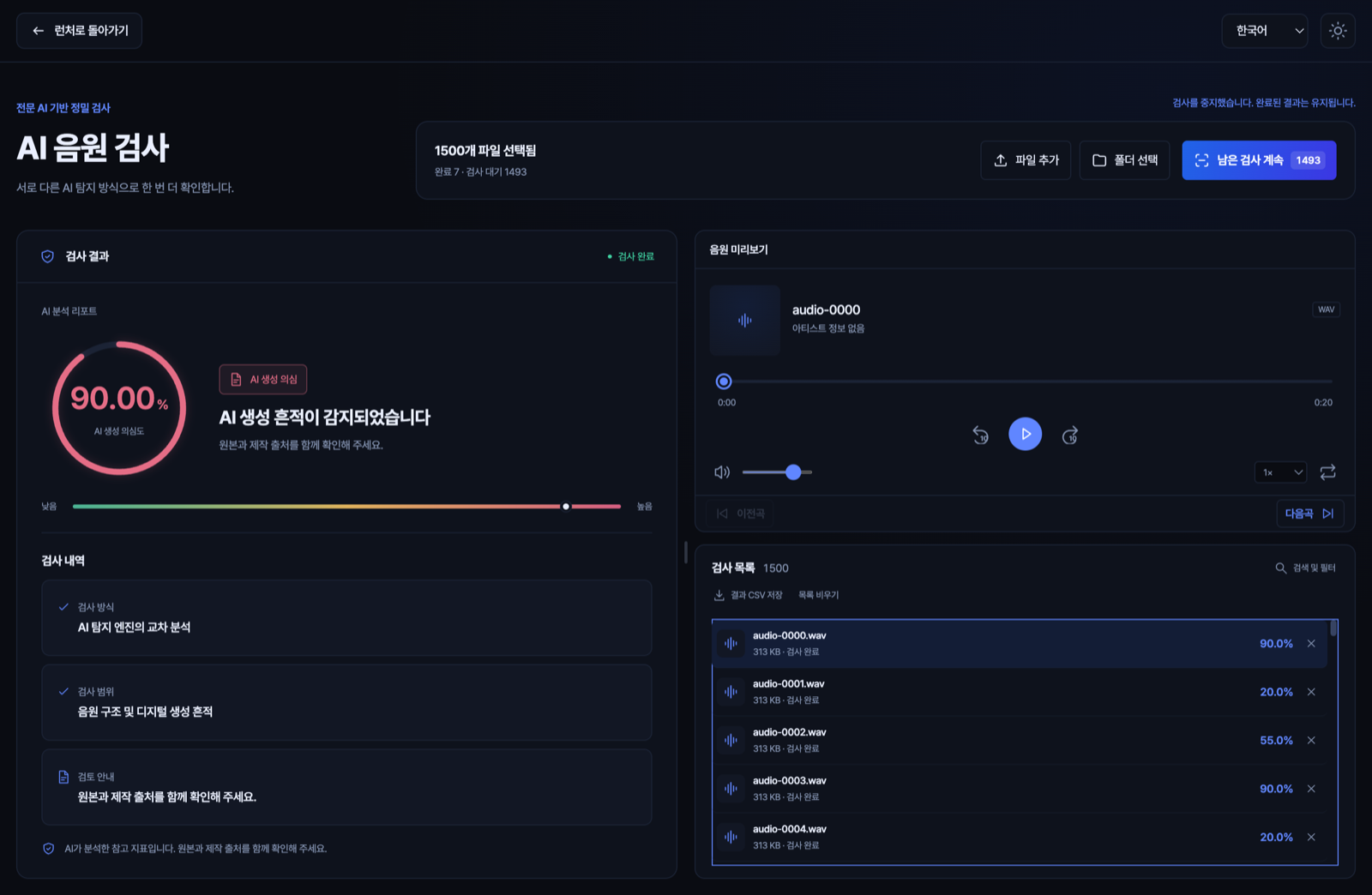
The app combines results from three AI music detection models. Listen in the built-in player and review the score and accompanying notes.
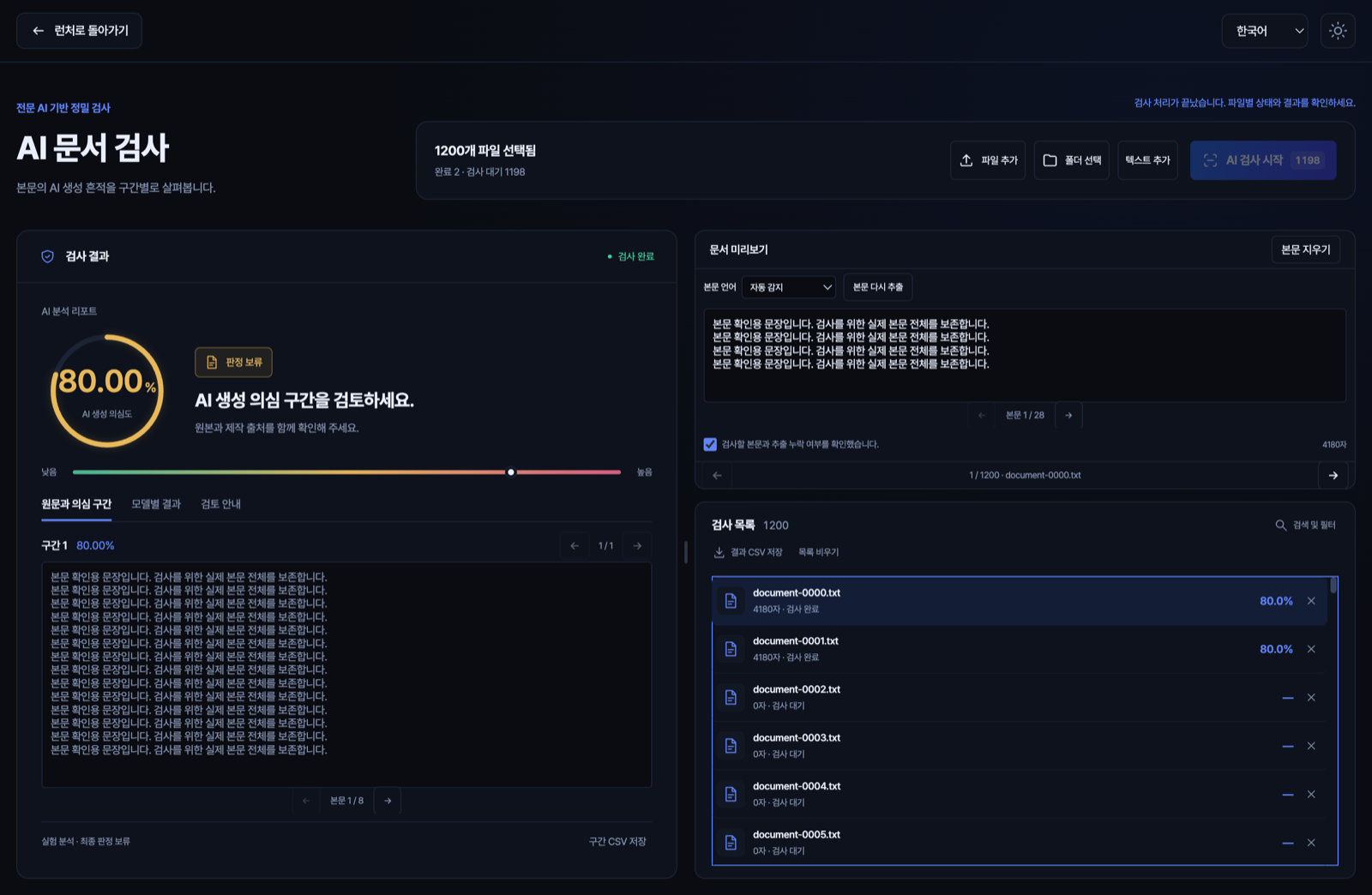
Analyze text extracted from a file or pasted into the app. Use OCR to read scanned PDFs, then review the extracted text and highlighted passages in the app.
Technology
Pixels, sound frequencies, and writing patterns call for different tools. Truescan AI prepares each file for the models best suited to its medium.
Image
Two neural networks analyze different crops of an image and combine their scores. Heavy compression or upscaling can leave the result inconclusive.
Audio
Mel spectrograms show how frequencies change over time. The app combines that analysis with a separate model that looks for traces of synthesis. Short clips or model failures can leave the result inconclusive.
Document
Korean analysis uses language-model predictions and statistics about word forms and writing style. English, Chinese, and Japanese use an XLM-R classifier. Japanese analysis remains experimental.
The score reflects the strength of the signals the detection models found. Check the original source, creation history, and other evidence before drawing a conclusion. Image scores apply to the whole image.
Yes. Once an inspector is set up, you can analyze files offline. You'll need an internet connection to download models during setup and to check for app or model updates.
Files may fail to open if they exceed supported image dimensions or if a document is password-protected. Enable OCR for scanned PDFs and check the extracted text. The app may skip analysis when the text is too short or its language can't be identified.
The app interface is available in English, Korean, Simplified Chinese, and Japanese. The app can detect the language of a document automatically, or you can choose it independently of the interface language.
Download
Get image, audio, and document inspection in one desktop app. Check installer availability for your operating system.